Remove Music From Video and Keep the Voice
Remove music from video clips while the file stays on your device, then download the same video with only the voices left.
Your video without music will play here
What It Means to Remove Music From Video
To remove music from video means separating the background music from the voices in a clip and keeping only the voices. This tool does that for you: you choose a video file, and you get back the same picture with a new audio track where people still talk, sing or narrate, but the soundtrack is gone.
Your full video never leaves your computer. The page reads the audio track inside your browser, sends only that audio to be separated, then puts the cleaned voice track back under your original picture. That is why a 400 MB video does not mean a 400 MB upload, and why the picture is never re-encoded or resized. When you remove music from video here, the frames you download are the frames you recorded.
How to Remove Music From Video in Three Steps
No editing timeline, no plugins, no export settings to learn.
Choose your video
Pick an MP4, MOV or WebM file up to 500 MB and 30 minutes. Before you remove music from video files, the page shows its length and how many credits it uses before anything is sent.
Remove the music
Press Remove music to remove music from video audio: it is split into a voice track and a music track while the video itself stays on your device.
Download what you need
Play the result next to the original, then download the video without music, the voice track, the music track, or all three.
Why Creators Remove Music From Video Here
Built for people who need to remove music from video files and keep a clean voice under the same picture, without opening an editor.
Your video stays on your device
Most tools ask you to upload the entire file first. Here the page pulls the audio track out in your browser and sends only that, plus a few small still frames for a safety check. Large recordings start faster, use less data, and your footage is never stored on our side. When you remove music from video with this tool, the picture is put back together on your own computer.
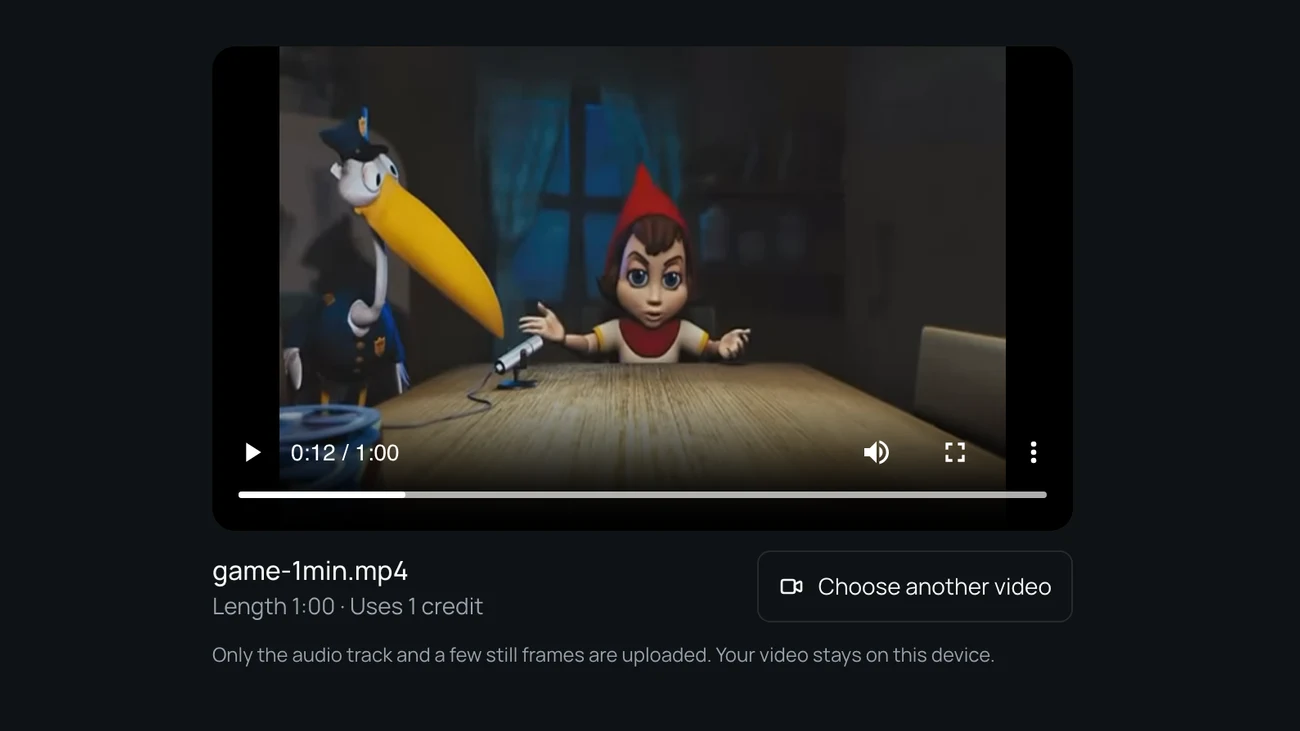
Get the finished video, not just an audio file
Many tools that remove music from video hand you a WAV and leave the rest to you. This one gives you an MP4 with the original picture and the cleaned voice already lined up, so you can post it or drop it into your edit right away. You can still download the voice track and the music track on their own if you want to remix.
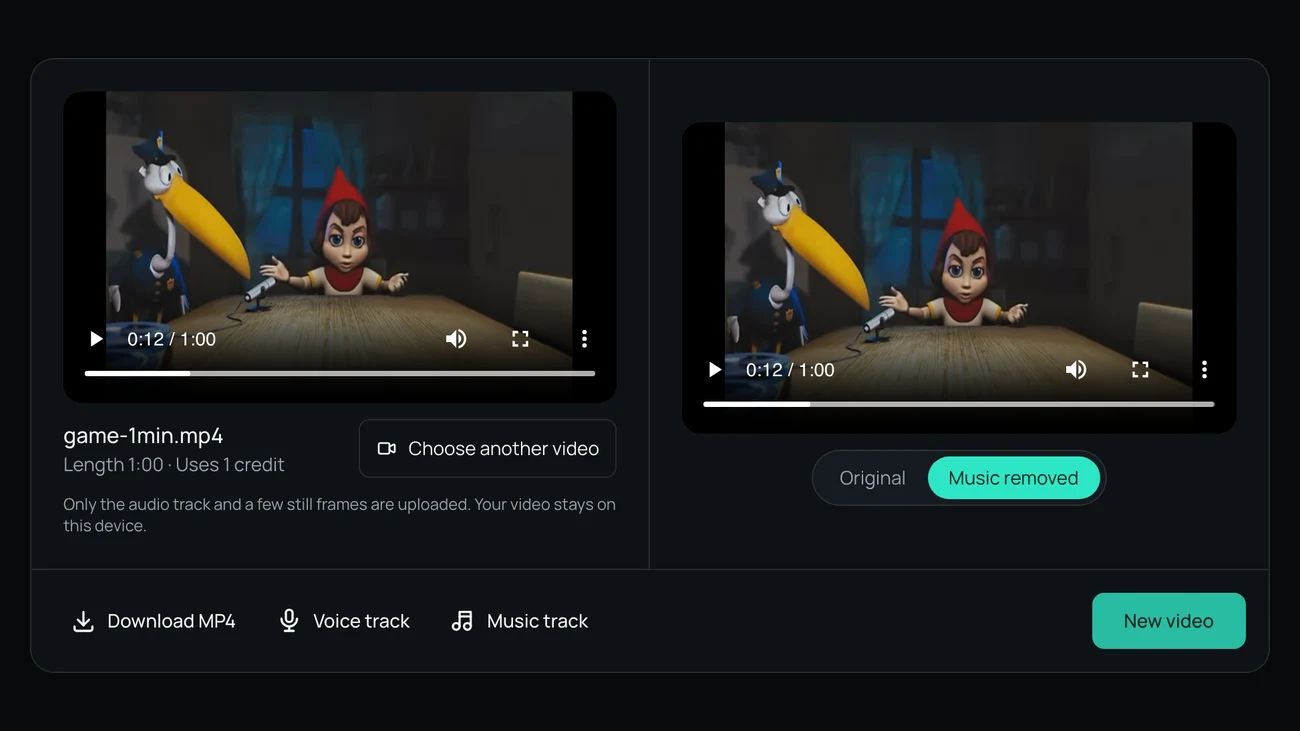
Compare before you download
After you remove music from video clips, switch between the original sound and the version without music while the video plays, so you can hear exactly what changed. If a line of dialogue sounds thin or some music remains, you will know before you post. Credits are only used once the separation finishes, and a failed job returns them.
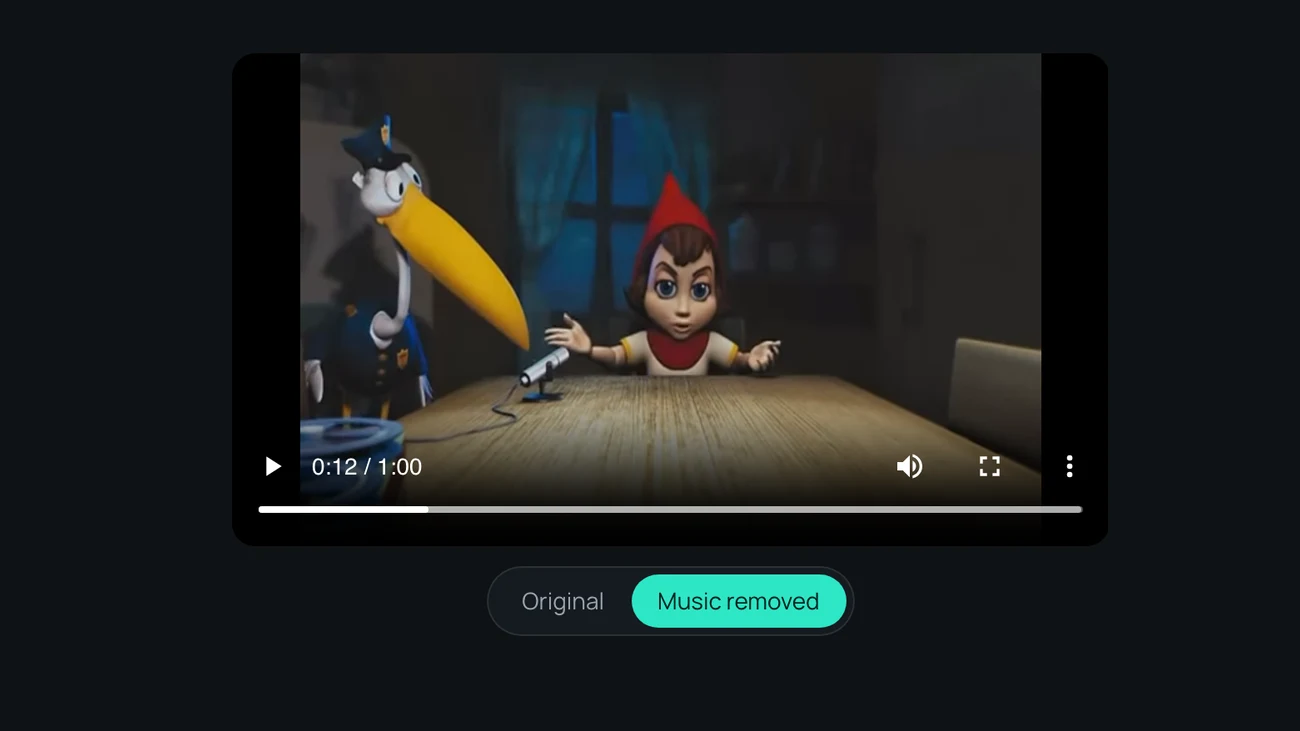
Pay by the minute
One credit covers one minute of video, and a clip shorter than a minute uses one credit. Credit packs start at 4.99 dollars for 80 minutes and are a one-time purchase, so you can remove music from video for a single project without a subscription.

Who Needs to Remove Music From Video
The same job comes up for very different people.
YouTube and TikTok creators
A song playing in a cafe, a store or a car ends up under your talking. Remove music from video clips like these, keep what you said, and add a track you are allowed to use.
Video editors replacing a soundtrack
A client changed their mind about the song, or the stock track license expired. Remove music from video exports and pull the dialogue out instead of rebuilding the edit from the project files.
Gamers and stream highlights
Game soundtracks and stream music sit under your commentary. Remove music from video highlights to keep your voice for a montage, a short or a new score.
Teachers, podcasters and interviewers
Lectures, interviews and video podcasts often have an intro bed or background track. Remove music from video recordings like these to make speech easier to follow or to transcribe.
Pricing to Remove Music From Video
One credit is one minute of video. Buy a pack once, or subscribe if you remove music from video every week.
Secure checkout
Payments are processed by Waffo over an encrypted connection. We never see or store your card number.
- Encrypted payment
- Card details handled by Waffo
- Cancel anytime
FAQ
Questions About Removing Music From Video
How do I remove music from a video but keep the voice?
To remove music from video and keep the voice, choose your video above and press Remove music. The audio is split into two parts: the voices, and everything else. You get back your video with only the voice part under the picture. Speech and singing are both kept as voice. You can also download the voice and the music as separate audio files if you want to mix them yourself.
Will sound effects and background noise be kept?
No. When you remove music from video with this tool, everything that is not a voice is treated as background, so footsteps, engine sounds, animal calls and room noise are removed along with the music. That makes the voice clean, but it is not the right tool if you need to keep the effects. You can lay new effects or a new score under the voice track in any editor.
Do you upload my whole video?
No. When you remove music from video here, your browser reads the audio track from the file and uploads only that audio, plus a few small still frames that are checked to keep prohibited content off the service. The picture is combined with the new audio on your own computer. The uploaded audio and the separated tracks are deleted automatically after 24 hours.
How long does it take?
A 5 minute video is usually ready in about two minutes, and a 30 minute video in about ten. The first job after a quiet period may wait a little longer while processing starts. Keep the tab open until the result appears, because the final video is assembled in your browser.
What files and lengths can I use?
You can remove music from video files in MP4, MOV and WebM format, up to 500 MB and 30 minutes long. The video needs an audio track. Each minute uses one credit, and anything under a minute counts as one minute, so a 4 minute 12 second clip uses 5 credits. The page shows the length and the credits before you start, so there are no surprises.
Does removing the music make my video copyright safe?
Not by itself. This tool removes music you can hear from the audio, but it does not give you any rights to the video or to anything left in it, and each platform decides on its own claims. Remove music from video only for footage you own or have permission to edit, and add music you are licensed to use.
What if the result still has some music in it?
Very loud music, music with lyrics mixed at the same level as speech, or heavy reverb can leave faint traces. Listen with the comparison switch before you download. If a job fails, your credits come back automatically. If the result is not usable, contact us with the file name and we will look at it.
Can I remove music from video on my phone?
You can, but the page is built for a computer, because the video is opened and rebuilt inside the browser and phones often run out of memory on long files. Short clips may work on a recent phone, but for anything longer than a few minutes, use a current desktop browser.
Ready to Remove Music From Video?
Choose a clip, check the length and credits, remove music from video in one step, and hear the result before you download.