Karaoke Video Maker: Vocals Out, Picture Stays
Pick a lyric video you may use: this karaoke video maker takes the singing out and keeps every frame, on-screen lyrics included.
The karaoke video maker plays your result here
- 5 free minutes for new accounts
- Lyrics on screen stay put
- MP4, MOV or WebM
Hear What the Karaoke Video Maker Leaves Behind
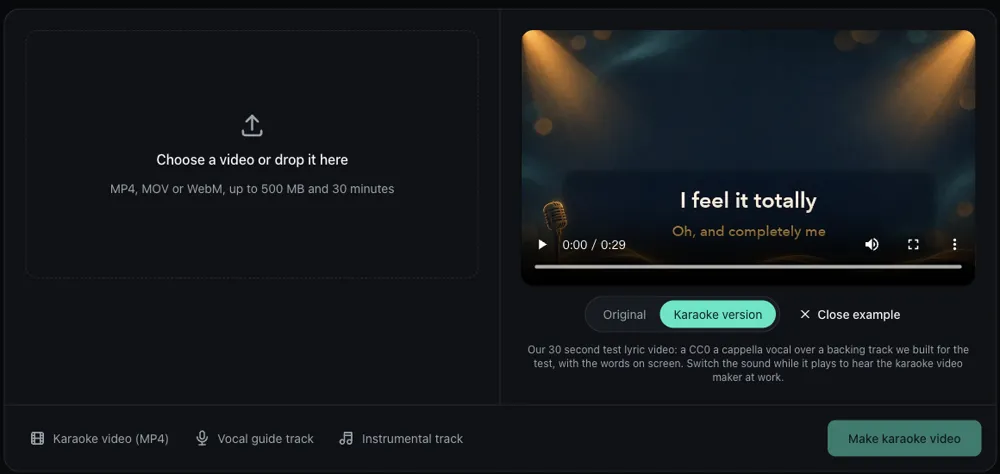
One test lyric video, three tracks: the song as it was, the karaoke version the karaoke video maker returned, and the vocal it took out.
Original lyric video: vocal 3 dB over the band

Karaoke version: the band only

Vocal guide: the singing the karaoke video maker took out

Which Videos Make Good Karaoke Videos?
Three kinds of clips people bring to a karaoke video maker, and why they work.
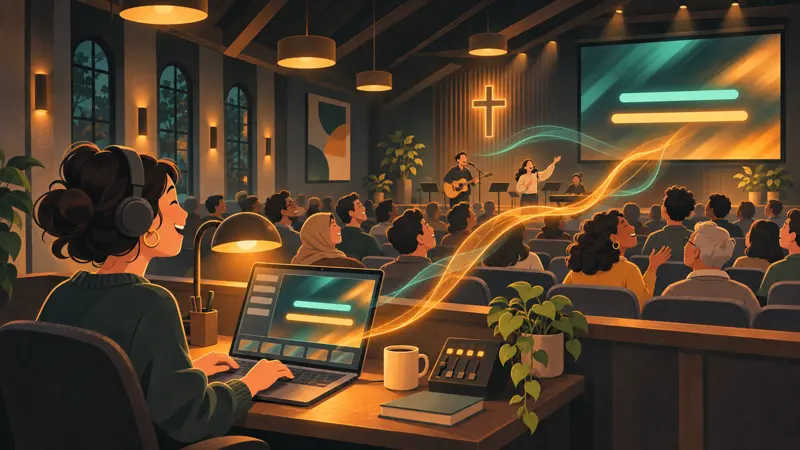
Lyric videos and worship slides
A lyric video already has the words timed on screen. Run it through the karaoke video maker and you get a sing-along without typing a single caption, for a church, a class or a party, as long as you may use the song.
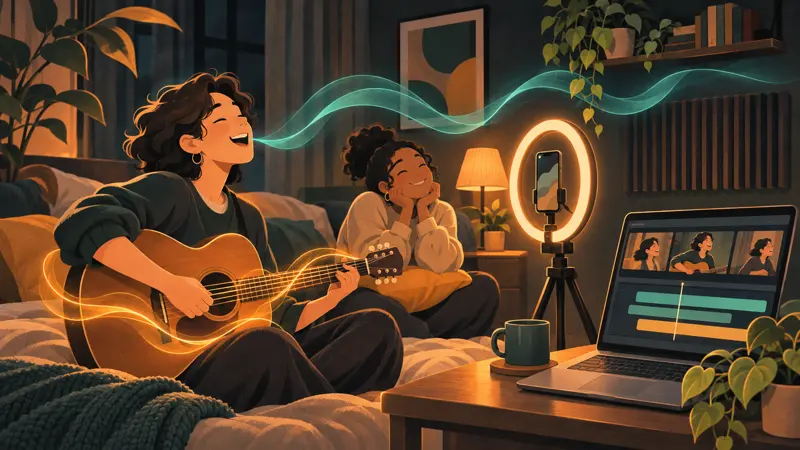
Your own cover or original song
Post a karaoke version next to your cover so fans can sing it. The karaoke video maker keeps your band, your edit and your picture; only your lead vocal comes out.
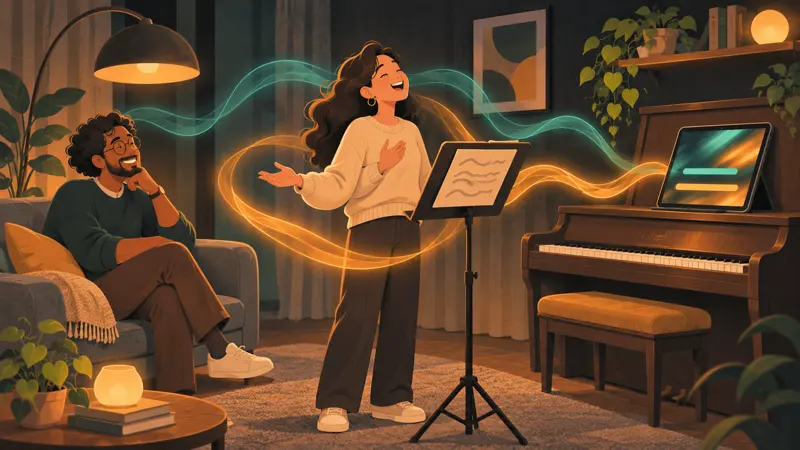
Practice with a vocal guide
Students sing over the band, then play the vocal guide for the tricky bars. Teachers run recitals they filmed through the karaoke video maker.
Only need the singer, not the band? The voice isolator keeps the vocal and drops the music.
How to Make a Karaoke Video in Three Steps
Make karaoke video files from a clip you already have, with no timeline and no stems to line up.
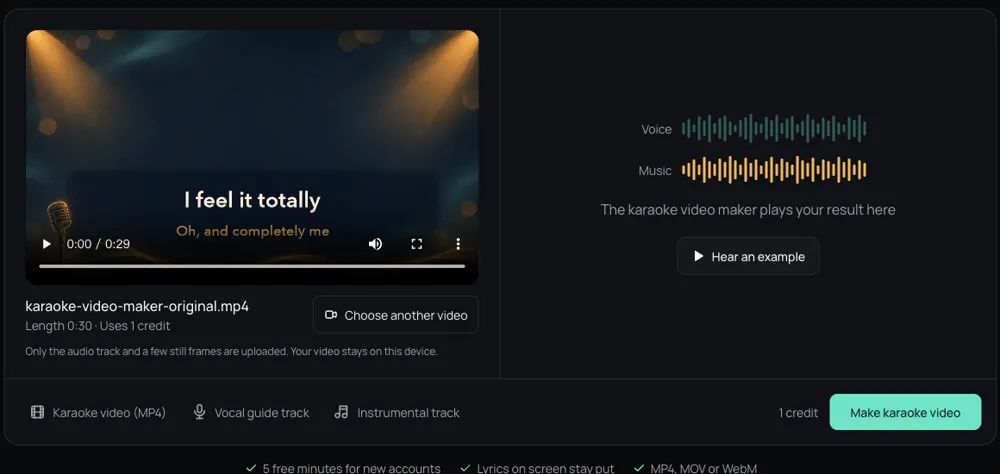
Choose the video
Drop an MP4, MOV or WebM up to 30 minutes. The karaoke video maker shows the length and the credits before anything is uploaded.
Make the karaoke version
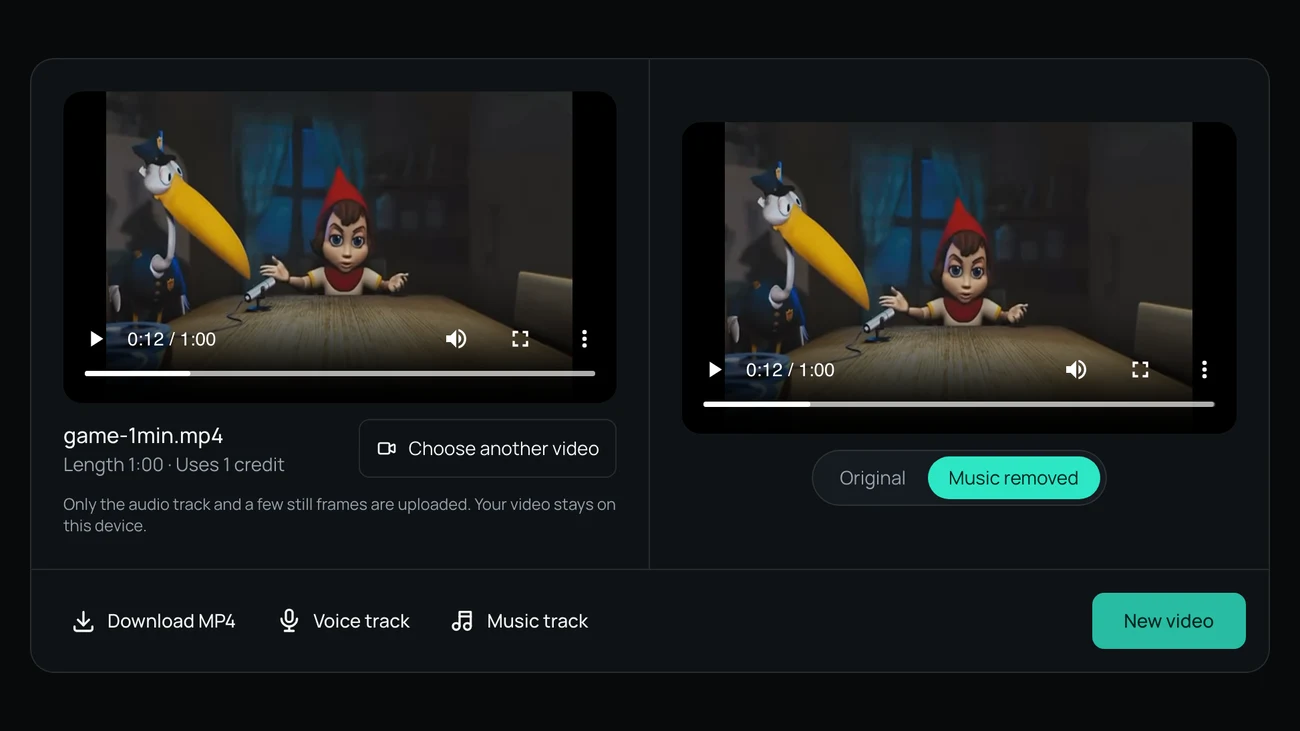
Press Make karaoke video. When the karaoke video maker is done, switch between Original and Karaoke version while it plays.
Download, then add lyrics if needed
Save the karaoke MP4, the instrumental and the vocal guide. The karaoke video maker keeps the timing, so captions you add in any editor line up.
Before You Use the Karaoke Video Maker: Privacy and Price
Two things to know before you run a song through it.
Your video stays on your computer
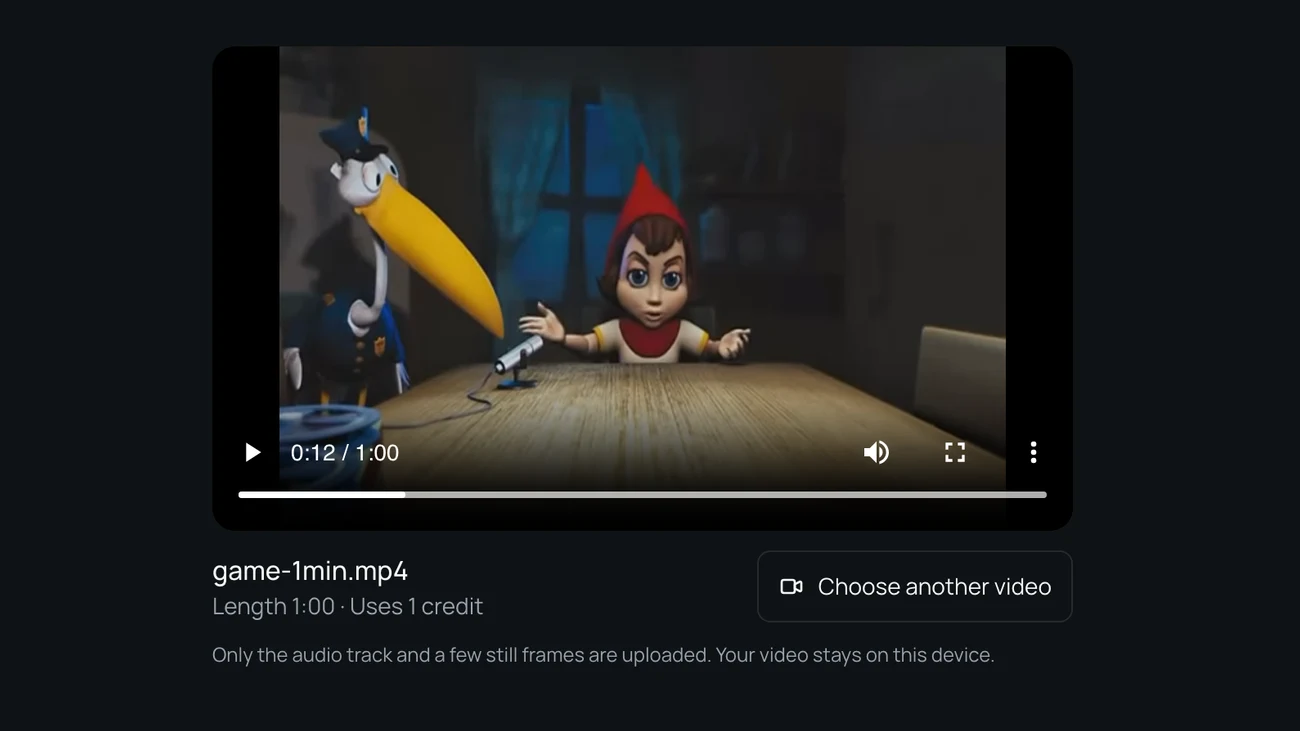
The karaoke video maker uploads only the audio track, plus a few small frames for a content check. The backing track goes back under your picture in your browser, and the uploaded audio is deleted after 24 hours.
One credit per minute of song
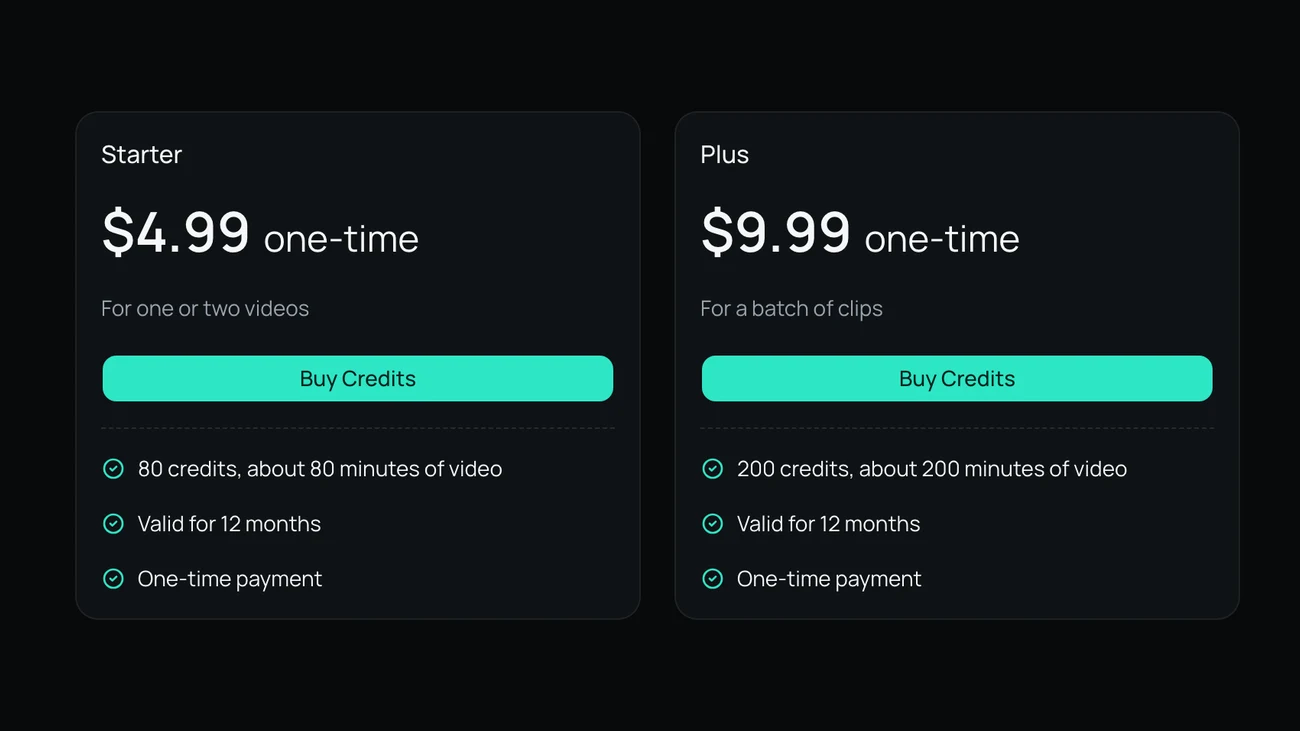
A 4 minute lyric video uses 4 credits in the karaoke video maker. New accounts get 5 free minutes while the daily allowance lasts; packs start at 4.99 dollars for 80 minutes, paid once.
How We Tested This Karaoke Video Maker
On November 16, 2026 we laid a CC0 a cappella vocal over a drum, bass and keys track we built, made three mixes, ran each through the same model and settings as this karaoke video maker, and measured the voice left.
- less vocal in the karaoke version (dry lead 3 dB over the band)
- 54 dB
- less vocal with a long hall reverb on the singer
- 44 dB
- less vocal with a harmony line under the lead
- 49 dB
- or less change in the band's level
- 0.15 dB
A dry lead vocal
With the singer 3 dB over the band, the voice the karaoke video maker left sat about 51 dB under the backing, and the band kept its level within 0.03 dB.
Heavy reverb on the voice
With a 1.8 second hall reverb on the singer, removal dropped from 54 to 44 dB. On the loudest notes what is left sits about 24 dB under the original vocal, a faint wash you may catch on headphones.
Harmonies go too
A harmony a minor third above the lead and 6 dB quieter came out with it: 49 dB less voice overall. Good for karaoke, but you cannot keep the backing singers and drop only the lead.
What it does not do
- Our backing track was synthesized. Real recordings with guitars and cymbals are harder: on our earlier piano test the vocal dropped 35 to 40 dB.
- The karaoke video maker does not write or time lyrics. If the words are not on screen already, add captions in your editor.
- No links: choose a video file you have. A karaoke version of a song still needs the right to use that song.
- Video files only for now: MP4, MOV or WebM up to 500 MB and 30 minutes.
Last updated: November 16, 2026 · Tested by the Remove Music From Video team
Karaoke Video Maker: Questions
Short answers to what people ask before they make a karaoke video.
Is there a karaoke video maker free to try?
Yes. New accounts get 5 free minutes while the daily allowance lasts, enough for a song or two. After that one credit covers one minute, with no subscription.
Can I use a karaoke video maker online free of installs?
Yes. The karaoke video maker runs in your browser on a computer or a phone, with nothing to install.
Does it add lyrics like a karaoke lyric video maker?
No. It keeps whatever is on screen and removes the vocal. Start from a lyric video and the words stay; otherwise add captions in CapCut, Premiere or any editor after you download.
How is this different from a karaoke maker for songs?
A karaoke maker for MP3 files gives you audio only. This karaoke video maker takes a video and returns a karaoke MP4 with the same picture, plus the instrumental and the vocal guide.
Can I make a karaoke video from a YouTube link?
Not from a link. If it is your own upload, download the file from YouTube Studio and choose it here. For anyone else's video you need their permission; removing the vocal does not clear the song.
Start Your Next Sing-Along with the Karaoke Video Maker
Choose a lyric video, let the karaoke video maker take the vocal out, and download the karaoke MP4.
Related pages
- Voice IsolatorKeep only the voice in a video and download it as its own track.
- Remove Background NoiseTake wind, hum and hiss out of a video and keep the voice.
- Remove Voice from VideoTake the talking out of a video and keep the music and background sound.
- Remove Vocals from VideoTake the singing out of a music or performance video and keep the instrumental.