Remove Background Noise From Video, Keep the Voice
Remove background noise from video clips: wind, hum and hiss come out, speech stays, and you get the same picture back.
Your cleaned-up video will play here
- 5 free minutes for new accounts
- MP4, MOV or WebM
- About 2 minutes for a 5 minute video
Hear the Difference Before You Download
A 30 second test clip with ten seconds each of wind, hum and hiss, and what came out when we used it to remove background noise from video.
Noisy original: wind, then hum, then hiss

Voice after the noise was removed

Noise track: what was taken out

Remove Background Noise From Video: Three Common Cases
Three noises you meet when you film outside, at a desk or with an old camera, and how far each dropped when we used this page to remove background noise from video.

Wind on outdoor clips
Wind roars across the mic on hikes, beaches and bike rides. In our test the gusts between words dropped by 36 dB.

Hum from fridges, fans and air conditioning
Fridges, fans and air conditioning leave a low hum under every word. In our test the hum between sentences dropped by 46 dB.

Hiss from old cameras and cheap mics
Old camcorders and cheap mics add a steady hiss. In our test it dropped by 44 dB in the pauses and the speech came through clearly.
Want to keep a little of the room? After you remove background noise from video, download the noise track too and mix it back in quietly. If it is a soundtrack you want gone rather than noise, follow how to remove music from a video. Cleaning up a clip for an iMovie project? See how to remove music from iMovie.
How to Remove Background Noise From Video in 3 Steps
The same three steps remove background noise from video shot on a phone, a webcam or an old camcorder.
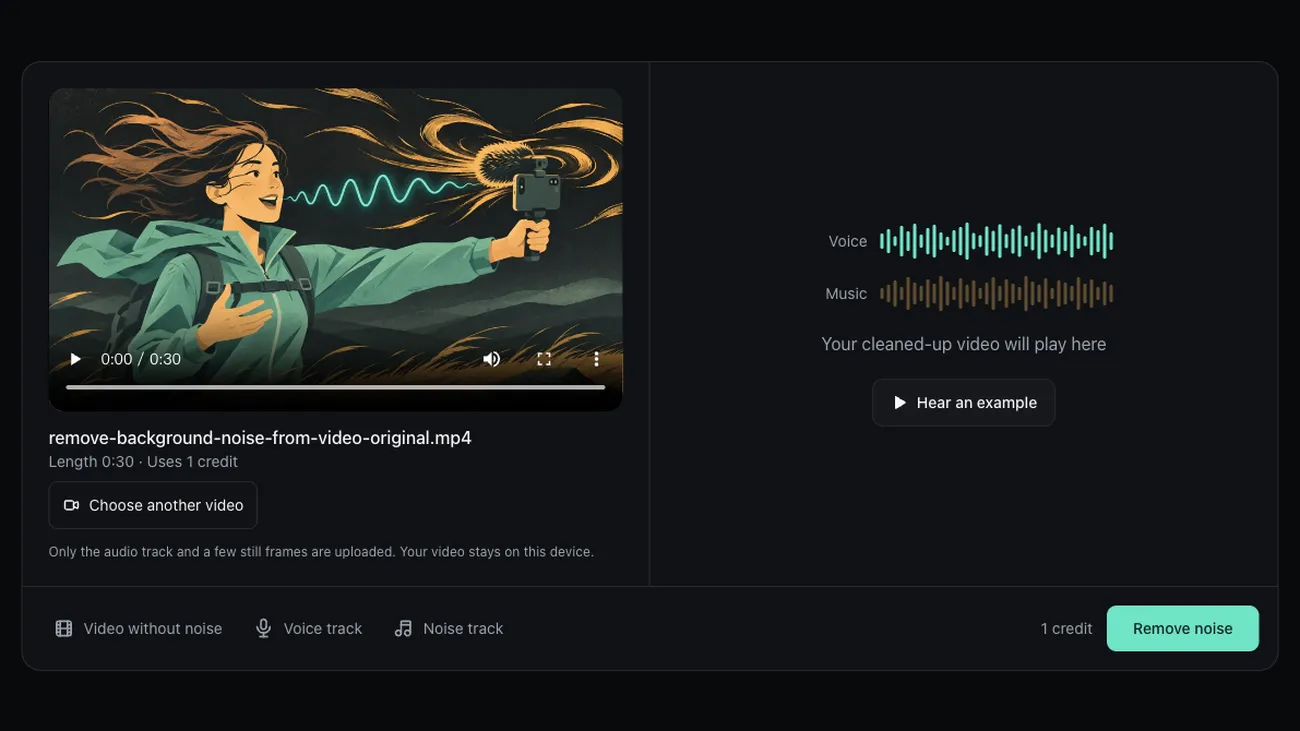
Choose the noisy video
Drop an MP4, MOV or WebM file up to 30 minutes. Before you remove background noise from video files, you see the length and the credits.

Remove the noise and listen
Press Remove noise, then switch between Original and Noise removed while the clip plays.

Download the clean video
Save the MP4 with clear speech, or take the voice and noise tracks as separate audio files.
What Happens to Your File, and What It Costs
You can remove background noise from video without uploading the footage, and you pay only for the minutes you clean.
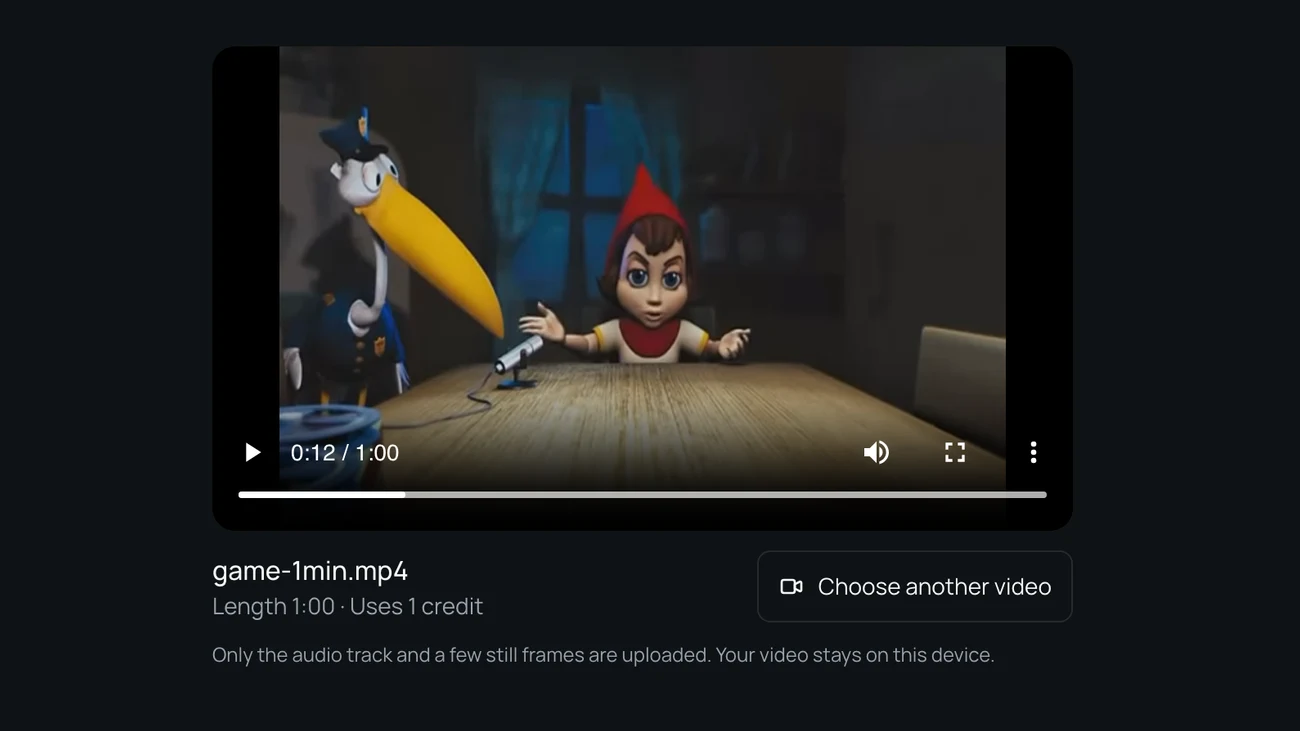
Only the sound is uploaded
To remove background noise from video without storing your footage, the page pulls the audio out in your browser and sends only that, plus a few small stills for a content check. Your frames are rebuilt on your computer, and the uploaded audio is deleted after 24 hours.
A clip costs a few credits
Each minute of video uses one credit; anything under a minute counts as one. New accounts get 5 free minutes while the daily allowance lasts, and to remove background noise from video for a whole project, packs start at 4.99 dollars for 80 minutes.

How We Tested the Noise Removal
On November 14, 2026 we added ten seconds each of wind, mains hum and hiss to a clean public domain reading, used the model and settings this site uses to remove background noise from video, and compared the output with the clean reading.
- less wind between words
- 36 dB
- less mains hum between words
- 46 dB
- less hiss between words
- 44 dB
- speech to noise after, from 2 dB
- 15 dB
Steady noise goes best
Hum and hiss are steady and dropped the most: 46 dB and 44 dB between words, so the gaps go quiet. Speech over noise rose from 0 and 5 dB to 19 and 21 dB.
Gusts and rumble
Wind is the hardest. It still fell 36 dB between words, but under the words speech over noise only reached 12 dB, up from 3 dB, so loud gusts can leave a little rumble.
The voice keeps its level
Even with the noise almost as loud as the speech, the voice came out only 1.1 dB quieter. With the noise 8 dB lower, it changed by 0.1 dB and speech over noise went from 10 to 20 dB.
What it does not do
- People talking in the background are voices, so a busy cafe or a crowd stays.
- Echo and room reverb stay; they are part of the voice.
- Sound effects you may want, such as footsteps, go out with the noise.
- Speech that is quieter than the noise around it can come out thin or patchy.
Last updated: November 14, 2026 · Tested by the Remove Music From Video team
Remove Background Noise From Video: Questions
What people ask before they clean up the sound on a clip.
How do I remove background noise from a video?
Choose your video at the top of this page and press Remove noise. Everything that is not a voice is split from the speech, so wind, hum, hiss and music come out, and you get the same MP4 back. To remove background noise from video this way you need no editing app.
Can I remove background noise from video for free?
Yes, for a short clip: remove background noise from video free with the 5 minutes new accounts get while the daily allowance lasts. You can remove background noise from video online with no editing app. Longer videos use one credit per minute.
How to get rid of background noise in a video without an app?
Use this page in a desktop browser: it is the simplest way to remove background noise from video with nothing to install. It reads the audio, cleans it and rebuilds the video on your computer. Phones handle short clips; long files work best on a computer.
Will it remove people talking in the background?
No. Other people talking are voices too, so a cafe crowd or a TV with dialogue stays. When you remove background noise from video here, the target is sound that is not speech: wind, hum, hiss, traffic and music.
Can I remove background noise from video and echo too?
No. Echo and room reverb are part of how the voice sounds, so they stay. To avoid echo, record closer to the mic or in a room with soft furnishings.
Ready to Remove Background Noise From Video?
Choose a noisy clip, remove background noise from video in your browser, then download the clean MP4.
Related pages
- Voice IsolatorKeep only the voice in a video and download it as its own track.
- Remove Voice from VideoTake the talking out of a video and keep the music and background sound.
- Remove Vocals from VideoTake the singing out of a music or performance video and keep the instrumental.
- Karaoke Video MakerTurn a lyric or performance video into a karaoke version with the same picture.