Remove Voice from Video, Keep the Music and Sound
Remove voice from video clips with talking over the soundtrack and get the same picture back with only the music and background sound.
When you remove voice from video, the result plays here
- 5 free minutes for new accounts
- MP4, MOV or WebM
- About 2 minutes for a 5 minute video
Hear What Is Left When You Remove Voice from Video
One 30 second test clip, three tracks: the mix we started with, the piano we kept after we remove voice from video, and the speech we took out.
Original mix: narration and piano equally loud

After we remove voice from video: piano only

Voice track: the narration we took out

When Should You Remove Voice from Video?
Three kinds of clips where people remove voice from video footage, and what they keep.

Travel shots with a guide talking
You love the shot but not the commentary. Remove talking from video like this and the harbor sounds and music play on, ready to reuse as B-roll.
Videos you want to dub
Remove voiceover from video tutorials or ads you made, keep the music bed, then record the narration again in another language.

Game clips with commentary
Your mic picked up every word. Remove voice from video clips like these to keep the game music and sound effects, then cut the montage.
Making a sing-along from a song rather than dropping a narrator? See how to remove vocals from video for music and performance clips, or use the karaoke video maker to turn a lyric video into a sing-along.
How to Remove Voice from Video in Three Steps
You can remove voice from video files without editing software, and without an account until you press the button.
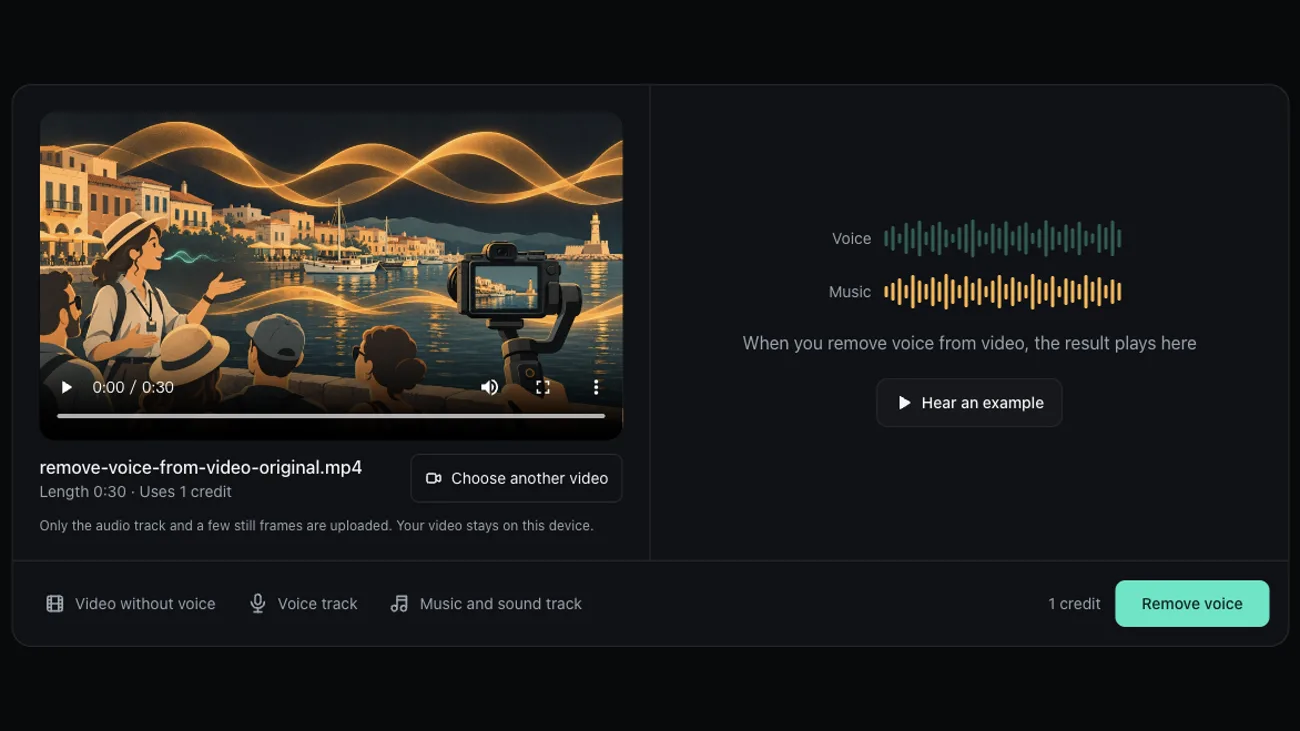
Choose your video
Drop an MP4, MOV or WebM file up to 30 minutes. You see the length and the credits before anything is uploaded.

Remove voice and compare
Press Remove voice. When the result is back, switch between Original and Voice removed while the clip plays.
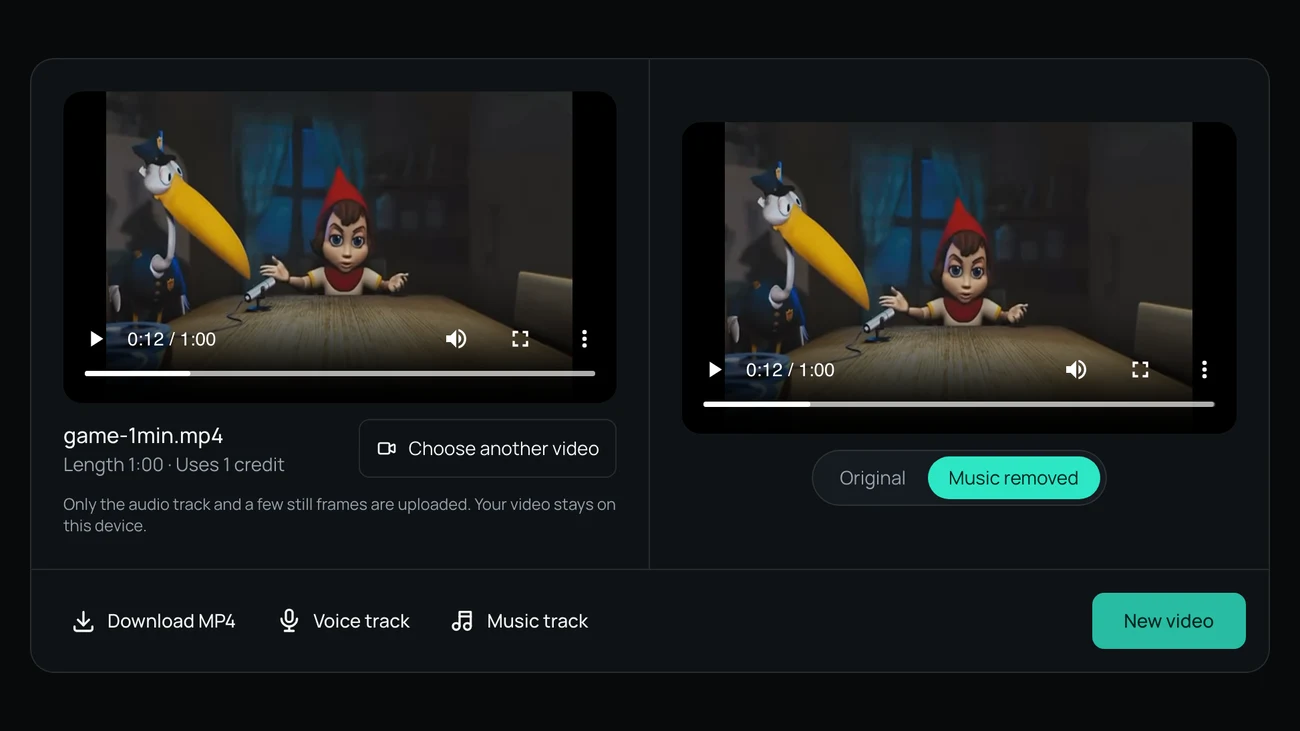
Download what you need
Save the MP4 without the voice, the music and sound as their own track, or the voice track if you want the words too.
Before You Remove Voice from Video: Privacy and Price
The two things people check before they remove voice from video footage of their own.
Your video stays on your computer
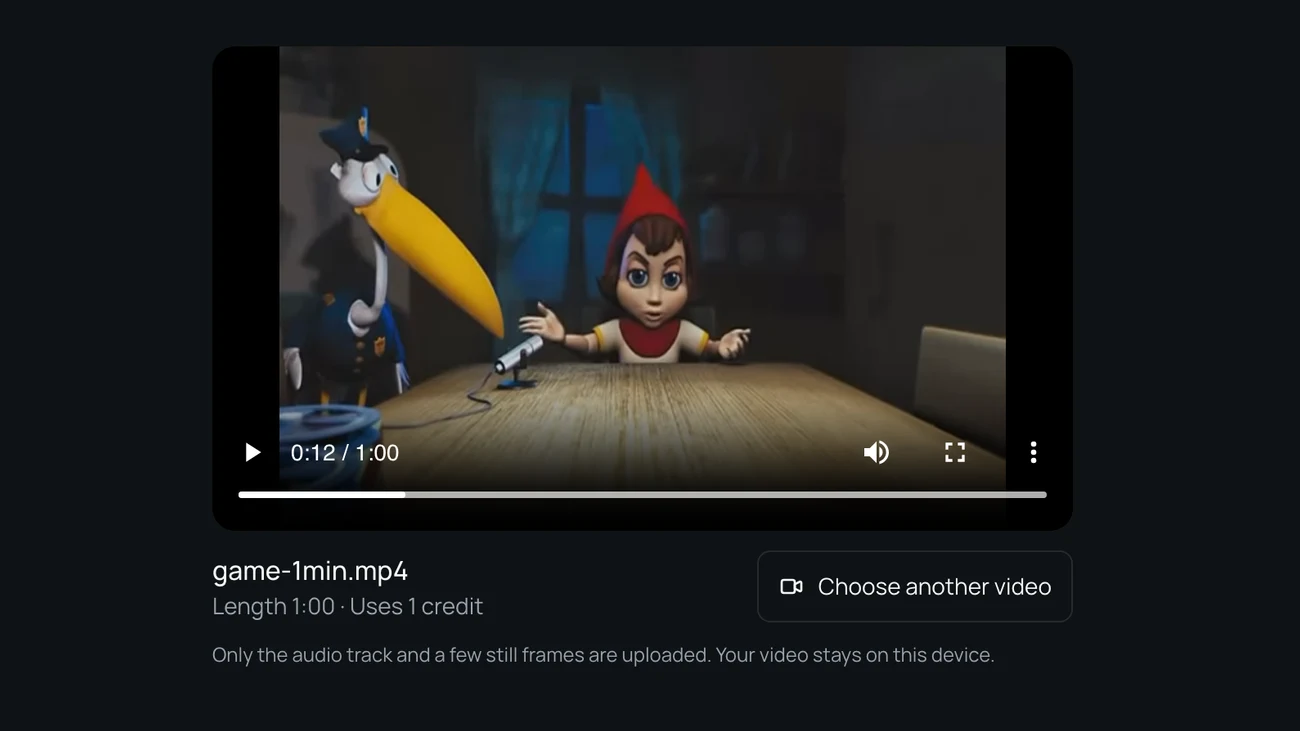
When you remove voice from video here, only the audio track leaves your browser, with a few small still frames for a content check. The music goes back under your original picture on your machine, and uploaded audio is deleted after 24 hours.
Pay per minute, not per month
A 3 minute clip uses 3 credits. New accounts get 5 free minutes while the daily allowance lasts, and credit packs start at 4.99 dollars for 80 minutes, paid once.

How We Tested It: Remove Voice from Video, Measured
On November 15, 2026 we mixed a public domain reading over a public domain piano recording, ran the clips through the same model and settings the site uses to remove voice from video, and measured how much voice was left in the music.
- less narration in the music (piano mixed 6 dB under)
- 40 dB
- less narration when piano and speech were equally loud
- 33 dB
- or less change in the piano's level
- 0.6 dB
- per test clip
- 30 s
Narration over quiet music
With the piano 6 dB under the reading, the speech in the result sat 30 dB under the piano, down from 10 dB above it. The piano itself moved by 0.6 dB.
Narration as loud as the music
With both at the same loudness, the speech dropped by 33 dB and the piano by 0.4 dB. Where the reader was loudest, what is left sits about 21 dB under the original words, so a careful listen on headphones can catch a faint trace.
Background sound stays
On a reading with wind, hum and hiss under it, the speech dropped by 36 dB while the background kept its level within 0.8 dB. Sound effects and ambience are not voices, so when you remove voice from video they stay with the music.
What it does not do
- When you remove voice from video, every voice goes, not just one: you cannot keep one speaker and remove another.
- A song with lyrics loses its singing too, so pop music under the narration comes back as an instrumental.
- Echo and room sound from the voice can leave a faint trace in the music.
- Video files only for now: MP4, MOV or WebM up to 500 MB and 30 minutes.
Last updated: November 15, 2026 · Tested by the Remove Music From Video team
Remove Voice from Video: Questions
Short answers to what people ask before they remove voice from video clips.
How do I remove voice from video and keep the music?
Choose your video above and press Remove voice. To remove voice from video, the audio is split into voices and everything else, and your browser puts everything else back under the original picture. You download an MP4 with the music and background sound, plus both parts as separate tracks.
Can I remove a voiceover but keep the sound effects?
Yes. Sound effects, ambience and noise are not voices, so they stay in the music and sound track with the soundtrack. Only speech and singing are taken out.
Is this voice remover from video free to try?
New accounts get 5 free minutes while the daily allowance lasts, enough for a short clip. After that one credit covers one minute, and packs start at 4.99 dollars for 80 minutes with no subscription.
Can I extract background music from video this way?
Yes. The music and sound track you download is the background music with the talking taken out, as an audio file for your editor. If the music has singing, the singing is removed too.
Does it change the picture when I remove voice from video?
No. Only the audio is sent for separation, and the music is put back under the original frames in your browser, so nothing is re-encoded, resized or cropped.
Remove Voice from Video on Your Next Clip
Choose a clip, remove voice from video in a couple of minutes, and download the parts you need.
Related pages
- Voice IsolatorKeep only the voice in a video and download it as its own track.
- Remove Background NoiseTake wind, hum and hiss out of a video and keep the voice.
- Remove Vocals from VideoTake the singing out of a music or performance video and keep the instrumental.
- Karaoke Video MakerTurn a lyric or performance video into a karaoke version with the same picture.