How to Remove Music from TikTok Video
TikTok mutes added sounds, not songs your camera heard, so here's how to remove music from TikTok video both ways.
Tested by the Remove Music From Video team · Updated November 17, 2026
How to remove music from TikTok video, in short
How to remove music from TikTok video: before you post, tap Music in the editor and replace or edit the sound, or set Added sound to 0. If the song was recorded with your voice, TikTok can only turn both down. Remove the music from your original video here, then upload the new MP4.
Is It a TikTok Sound, or in Your Recording?
How to remove music from TikTok video depends on where the song came from.
TikTok sound
A sound you picked in the app
Before you post, open the editor and replace or edit the sound, or drag Added sound to 0. That is how to remove music from TikTok video in a few taps.
Already posted? See what TikTok allows below.
In your recording
A song your camera heard
A speaker in the room, a car radio, a clip cut in another app. TikTok calls it all Original sound, so turning it down takes your voice too. Here, how to remove music from TikTok video starts with the remove music from video tool.
The four steps below show how to remove music from TikTok video like this.
How to Remove Music from TikTok Video in 4 Steps
For a song in your recording, all on your phone: step 1 is the tool, and step 4 finishes how to remove music from TikTok video.
Choose the original video
Step 1 of how to remove music from TikTok video: use the file in your camera roll or a saved draft, not a downloaded TikTok, which is compressed again and watermarked. Or play the kitchen example first. On a computer? Read how to remove music from a video.
Your video without music will play here
- 5 free minutes for new accounts
- 9:16 and rotation kept
- Voice and music tracks included
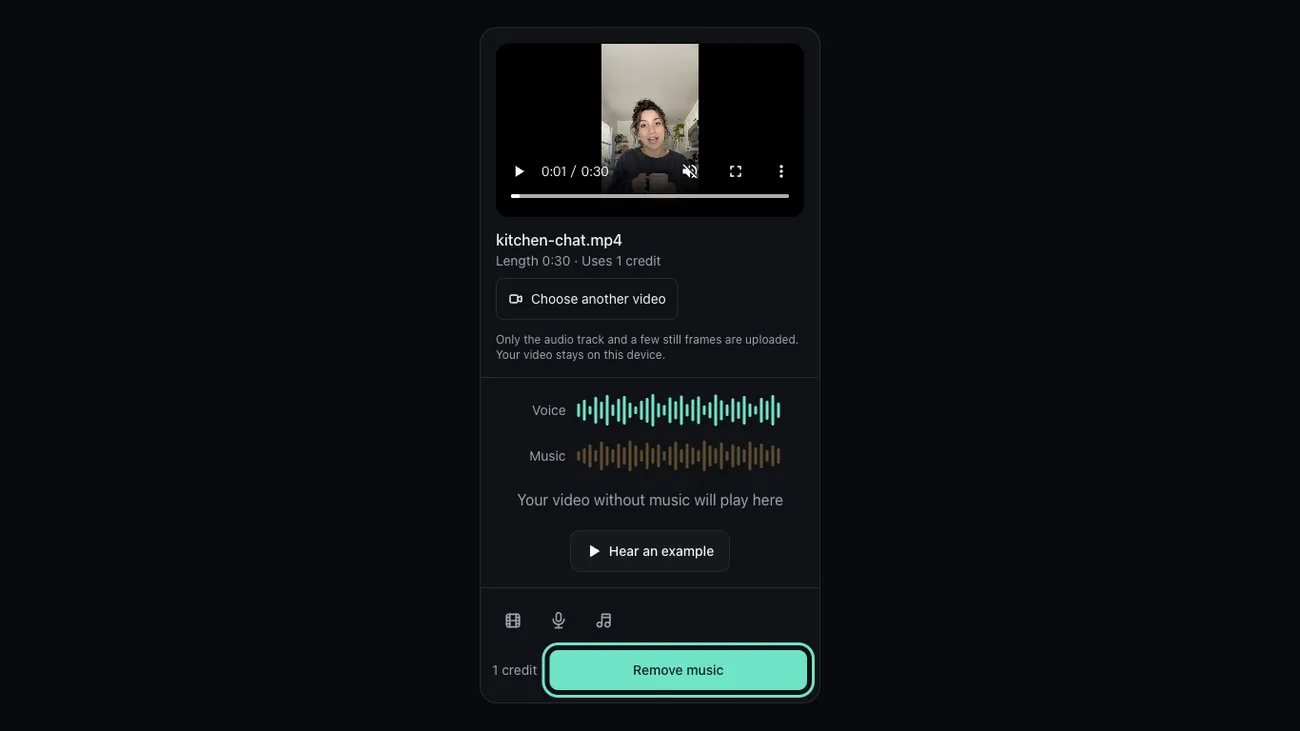
Remove the music
Press Remove music; a 1 minute video takes 30 to 40 seconds, and only the audio is uploaded, which keeps how to remove music from TikTok video light on a phone.
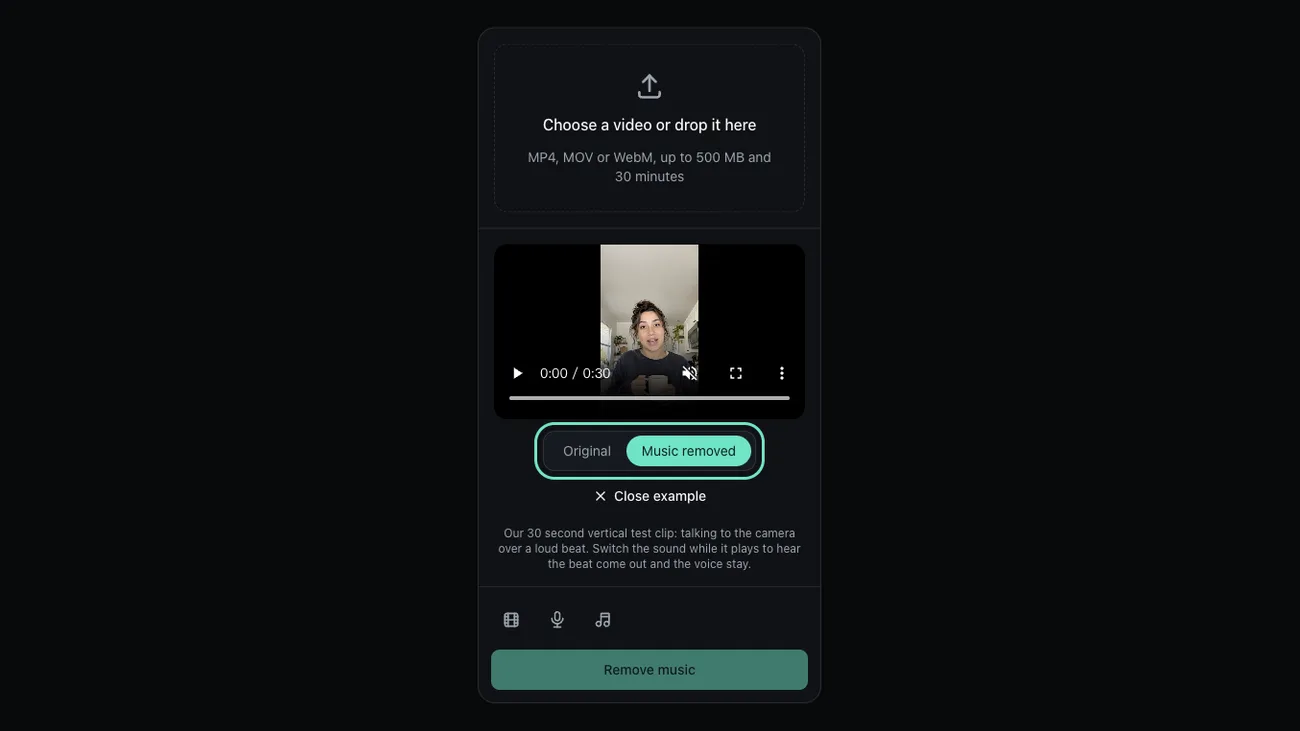
Check, then save it
Flip between Original and Music removed on the loudest beat, then download the MP4. It keeps the 9:16 frame, resolution and rotation, the part of how to remove music from TikTok video that keeps it upright. On iPhone it lands in Files: tap Share, then Save Video.
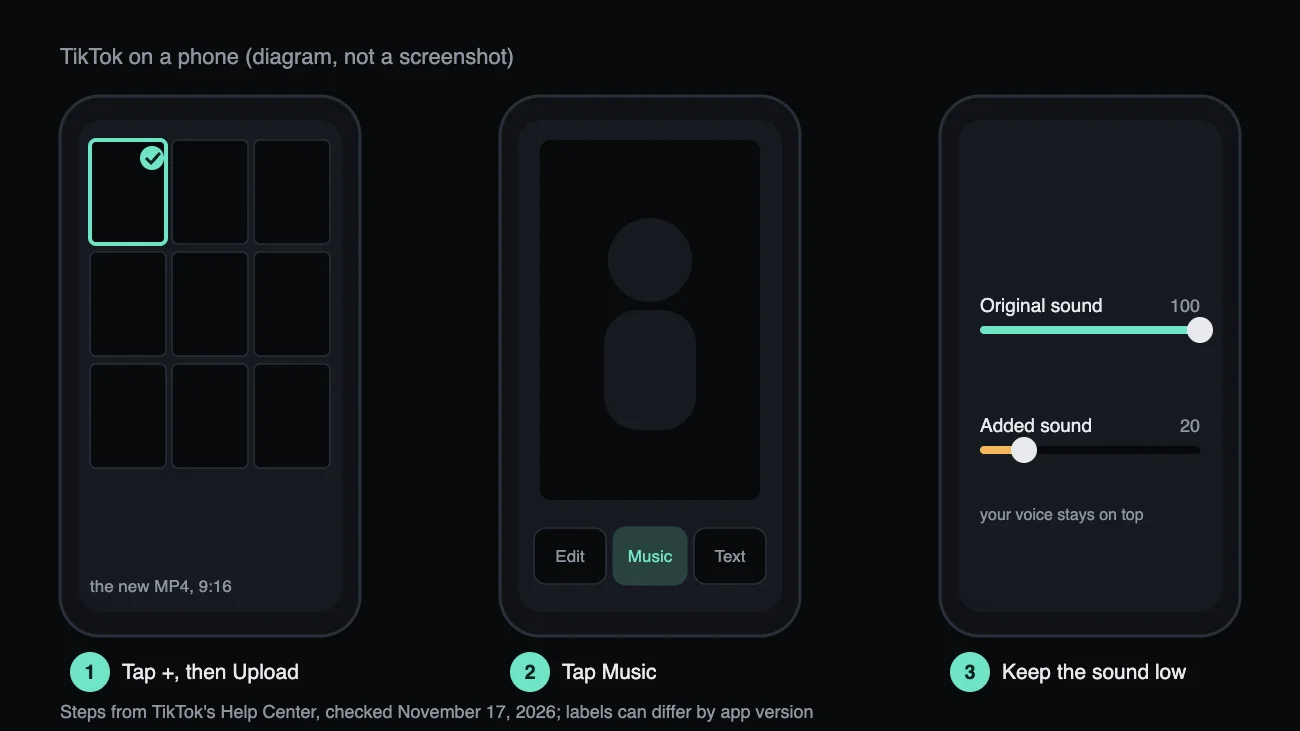
Upload it to TikTok
Tap +, then Upload, and pick the new video. Want music back? Add a TikTok sound and keep Added sound well under Original sound. That is how to remove music from TikTok video and still post with a sound.
Hear the Beat Come Out
Here is how to remove music from TikTok video in practice: a 30 second vertical clip with a loud beat, your voice alone and the beat we took out.
Before: talking over a loud beat

After: your voice on its own

Taken out: the beat

What TikTok Can Do on Its Own
We read TikTok's Help Center on November 17, 2026. Here is what it offers for how to remove music from TikTok video, and where it stops.
Before you post
- Tap +, record or upload, then open the editor.
- Tap Music at the bottom. Tap Replace to pick another sound, or tap the music clip for more edits.
- Where your version shows Volume, drag Added sound to 0 and leave Original sound up.
After you post
- If TikTok muted the video over a song, open it, tap View details, then Change sound.
- No other way to edit a posted video's audio is listed, so post a fixed copy.
Removing your original sound
- Tap the sound, tap Share, then Remove sound. It deletes that sound from every video using it, your voice included.
Where TikTok stops
TikTok treats everything your camera heard as one Original sound. It can turn it down or remove it, never split your voice from a song, and its help pages list no separation tool. That gap is why how to remove music from TikTok video takes the steps above.
Sources, TikTok Help Center: Sounds · Editing videos · Music removed from a video · Remove original sounds
When the Beat Is Still There
Three problems people hit after learning how to remove music from TikTok video, and what to do.
A faint beat is left on loud words
Why
The beat was as loud as you, or the room added echo. In our test your voice still sat 24 dB over what was left at its loudest.
What to do
Run the voice track through the voice isolator again: how to remove music from TikTok video sometimes takes two passes.
TikTok still flags the upload
Why
TikTok runs its own checks, and a trace of a song can still match. We cannot promise any result.
What to do
Post only what you have the rights to; how to remove music from TikTok video can't settle a claim. If TikTok mutes it, swap the sound via View details.
The video looks sideways or soft
Why
You started from a screen recording or a downloaded TikTok.
What to do
Start from the camera roll file: how to remove music from TikTok video keeps its picture, size and rotation exactly.
How We Tested These Steps
On November 17, 2026 we tested how to remove music from TikTok video: a reading over an original 120 bpm beat, and two vertical files through the site's own audio swap, a 1080 by 1920 MP4 and an iPhone-style HEVC MOV with a rotation flag.
- quieter beat between sentences
- 50 dB
- change in your voice level
- 0.1 dB
- frames kept in both vertical files
- 900 / 900
- frame and rotation flag kept
- 9:16
A loud beat comes out
With the beat 3 dB under the voice, gaps between words got 50 dB quieter and your voice rose from 3 to 22 dB over the rest; with the beat as loud as you, 21 dB.
The picture is the same file
Both vertical files came back with all 900 frames and the same video checksum; the HEVC MOV kept its rotation flag and came back as an MP4, so how to remove music from TikTok video costs no quality.
Your voice keeps its level
The voice moved by 0.1 dB in every mix. With how to remove music from TikTok video done this way, the words stay as loud as you recorded them.
What it does not do
- For how to remove music from TikTok video we followed TikTok's Help Center; we did not film the app.
- We tested in a desktop browser at phone width. If your phone's browser can't open the file, use a computer.
- Files only, no TikTok links.
Last updated: November 17, 2026 · Tested by the Remove Music From Video team
How to Remove Music from TikTok Video: Questions
Short answers to what people ask about how to remove music from TikTok video.
How to remove background music from TikTok after posting?
TikTok only lets you change the sound of a video it muted, through View details. Otherwise follow how to remove music from TikTok video above and post a new copy.
Can I remove music from a TikTok I downloaded from someone else?
Only videos you have the rights to; the tool takes files, not links.
Why does turning down Original sound mute my voice?
Original sound is everything your camera heard, so voice and song share one track; how to remove music from TikTok video starts by splitting them.
Can I do this on my phone?
Yes: open this page in your phone's browser, pick the video from your camera roll, save the MP4 and upload it.
Is it free?
New accounts get 5 free minutes while the daily allowance lasts, enough to try how to remove music from TikTok video on a few clips.
Now Clean Up Your Own TikTok
You know how to remove music from TikTok video. Choose the original and the tool does the part TikTok can't.
Related pages
- How to Remove Music from a VideoFour tested steps to take the music out of a video and keep the voice, plus fixes for what's left.
- Remove Music from iMovieDelete a song you added in iMovie, or take out one recorded with the voice and replace the clip.
- Remove Music from a Video on iPhonePhotos can only mute. Take a song out of an iPhone video in Safari, keep the voice and save it back to Photos.
- PricingCredit packs and monthly or yearly plans